Fake CAPTCHA (ClickFix) Scams
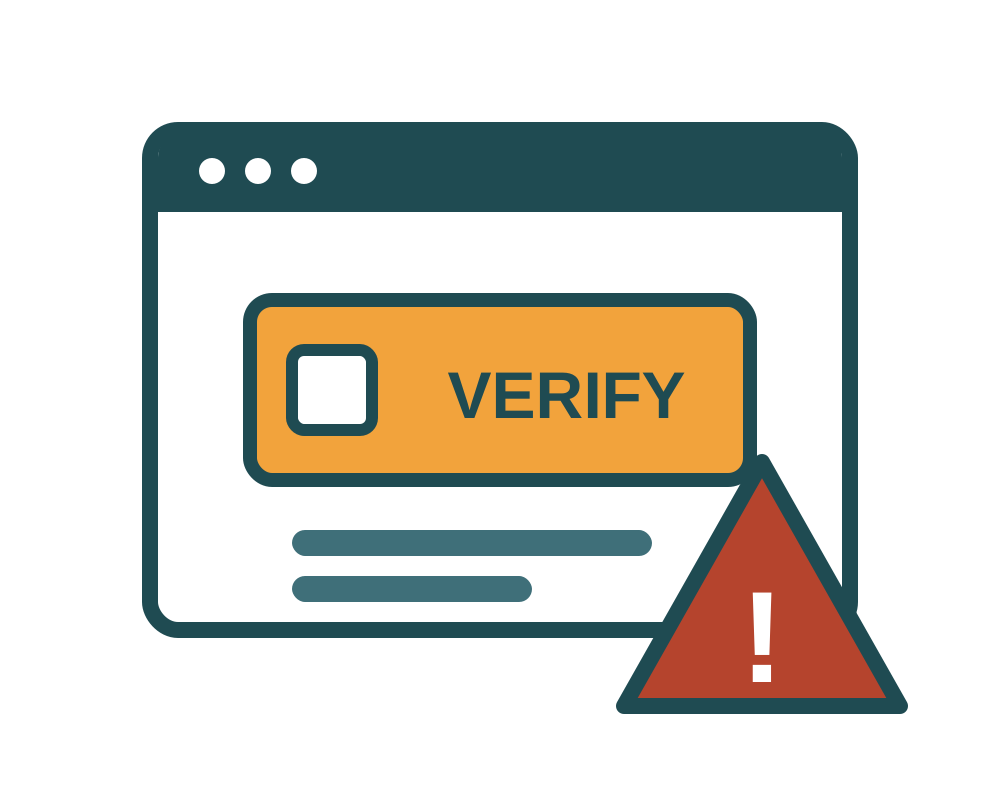
ClickFix is a trick that gets you to infect your own computer. A page displays what looks like an ordinary "verify you are human" check, then gives you a short set of keyboard steps to complete it. Following those steps pastes a hidden command into your operating system and runs it. Because you typed it yourself, antivirus software and browser warnings never get a chance to intervene. The technique surged through 2025 and the FTC issued a consumer warning about it in June 2026.
How It Works:
- The Trigger: You land on a compromised site, click a malicious ad, follow a link to a pirated stream or a free download, or open a fake meeting invitation.
- The Fake Check: An overlay appears imitating Cloudflare Turnstile or Google reCAPTCHA. It may also pose as a broken video player, a document that will not load, or a "fix your connection" prompt.
- The Instructions: Instead of clicking a checkbox, you are told to press Windows+R, then Ctrl+V, then Enter. On a Mac, to open Terminal and paste. The malicious command was silently copied to your clipboard when the page loaded, so there is nothing visible to be suspicious of.
- The Payload: The command downloads an infostealer. Within seconds it can take your saved browser passwords, session cookies, crypto wallet files, and authentication tokens. Stolen session cookies matter enormously, because they let an attacker into your accounts without ever needing your password or your MFA code.
The One Rule That Defeats It:
A real CAPTCHA never asks you to leave your browser. It will not ask you to open the Run box, PowerShell, or Terminal. It will not ask you to paste anything or press a key combination. If a verification step involves any of those, you are not proving you are human. You are being asked to run a program, and the answer is to close the tab.
Key Red Flags:
- Any "verification" that involves Windows+R, PowerShell, Terminal, or the words "paste" and "press Enter."
- Instructions presented as steps 1, 2, 3 alongside CAPTCHA branding.
- A prompt claiming you must run something to fix a video, a font, a document, or your connection.
- Verification appearing somewhere it has no business being, such as partway through reading an article.
- A page that urges speed, or warns that the check will expire.
How to Protect Yourself:
- Close the tab: There is no downside. If a site genuinely needed to verify you, it will do so again in a way that stays inside the browser.
- Never paste a command you did not write: This is worth teaching as a flat rule to anyone you help with their computer, alongside "never give a stranger remote access."
- Check your clipboard if you are unsure: Paste into a blank note rather than into a system prompt, and look at what is actually there.
- Use an ad blocker: A large share of ClickFix traffic arrives through malicious advertising.
- If you already ran it, act as though passwords are gone: Disconnect from the network, run a full scan from a trusted security tool, then change your passwords from a different device and sign out all sessions everywhere. A password change alone will not evict someone holding a stolen session cookie.
ClickFix pages are usually reached through phishing messages or malicious ads, and the credentials they steal frequently end up powering business email compromise and ransomware intrusions.
Where to Report It
Report scams even if you didn't lose money. Every report helps investigators spot patterns and warn others.
- FBI Internet Crime Complaint Center (IC3): ic3.gov
- Federal Trade Commission: reportfraud.ftc.gov
- AARP Fraud Watch Network Helpline: 877-908-3360