
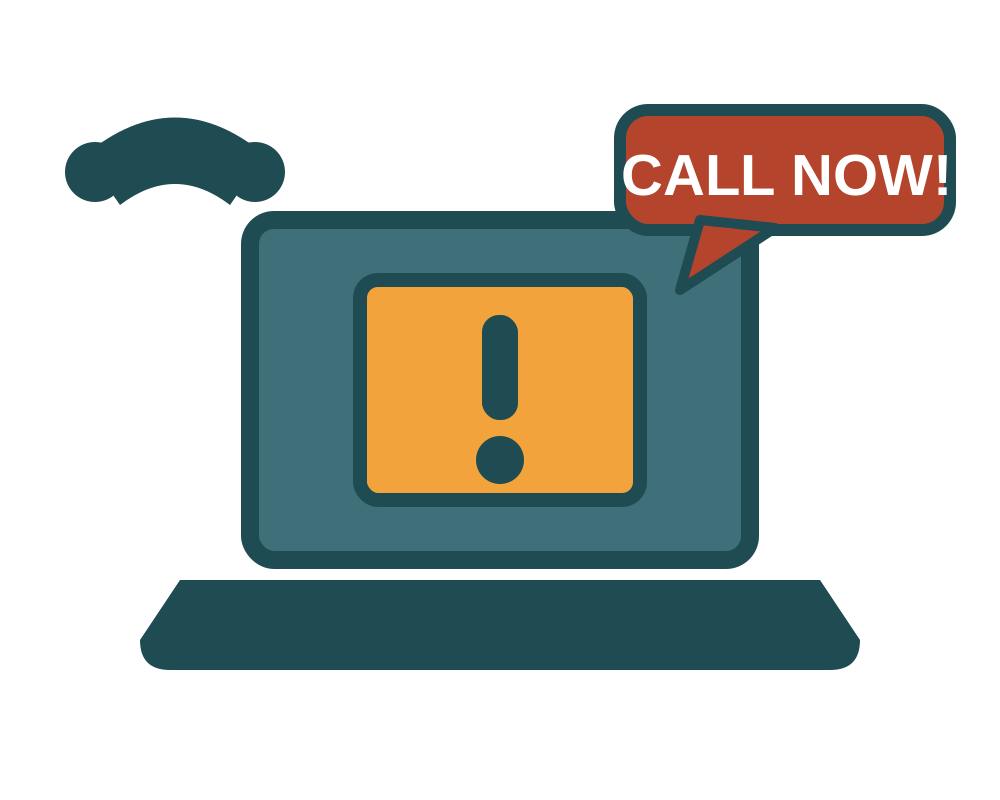
Tech Support Scams
Tech support scams are a prevalent form of fraud where criminals impersonate technical support personnel or well-known companies to trick you into believing your computer has a serious problem. They hit older adults hardest: tech and customer support fraud was the second-costliest crime for Americans aged 60 and over in 2025, at more than $1 billion in reported losses.
How It Works:
- Initial Contact: This occurs via unsolicited phone calls, fake websites, or alarming pop-up warnings on your browser that lock your screen and instruct you to call a number.
- The Poisoned Search Result: Increasingly the victim makes the first move. Scammers buy sponsored search ads for terms like "Netflix customer service number," so the number at the top of your results belongs to them, not the company.
- Creating Fear: Scammers use technical jargon and misrepresent normal system logs to convince you your device is infected.
- Gaining Access: They persuade you to download remote access software. Once they have control, they can steal personal information or install real malware.
- Demanding Payment: They demand exorbitant payment for their "fix" using untraceable methods like gift cards or wire transfers.
The Refund Scam:
A common and especially costly variant. An email says your antivirus or subscription is auto-renewing for a few hundred dollars, with a number to call and cancel. On the call, the "agent" takes remote control to process your refund, then shows you a doctored bank page suggesting they typed an extra zero and sent you far too much. They plead that the mistake will cost them their job and ask you to wire back the difference. The refund never existed; the bank page was edited on your own screen. Anything you send is your own money.
Key Red Flags:
- Pop-up warnings that include a phone number to call. Legitimate companies never do this.
- Unsolicited calls from "Microsoft" or "Apple" claiming your computer is infected.
- Requests for remote access from an unverified caller.
- Any refund process that requires you to log into your bank while someone is watching your screen.
- Being asked to send money back to a company for any reason.
- Demands for payment via gift cards or cryptocurrency.
How to Protect Yourself:
- Never Call the Number: If a pop-up freezes your browser, force-quit the application (Ctrl+Alt+Delete on Windows, Cmd+Option+Esc on Mac).
- Hang Up: Disconnect any unsolicited call claiming there is a problem with your computer.
- Find support numbers on the company's own site: Type the company's address in yourself and look for the contact page. Do not trust a phone number from a search ad, a pop-up, or an email.
- Never grant remote access: No real support call begins with a stranger asking to control your machine.
- Run Legitimate Software: If you suspect an issue, run a full scan using trusted, up-to-date antivirus software yourself.
Where to Report It
Report scams even if you didn't lose money. Every report helps investigators spot patterns and warn others.
- FBI Internet Crime Complaint Center (IC3): ic3.gov
- Federal Trade Commission: reportfraud.ftc.gov
- AARP Fraud Watch Network Helpline: 877-908-3360